
Designer Studio Migration: What to Know
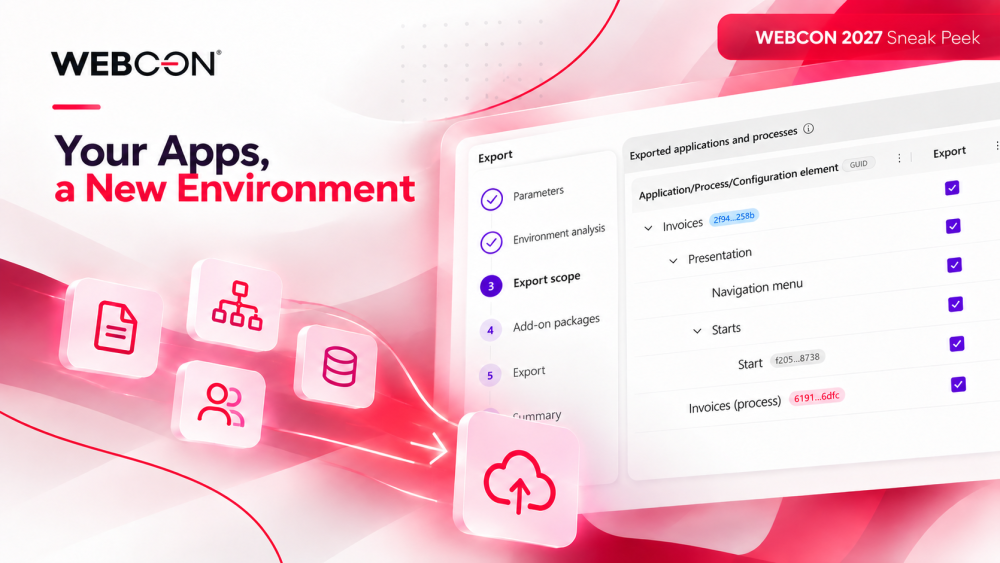
From Legacy Designer Studio to the web: what stays compatible and how to make the switch
In November 2026, WEBCON 2027 R1 brings the new, web-based Designer Studio. If your team already runs a portfolio of WEBCON apps, the real questions are practical ones. Will my apps keep working? Do I have to move right away? What does moving an app involve? Here are the answers.
Nothing breaks on day one
Your existing apps keep running, and you can keep editing them in the tool you know, now called Legacy Designer Studio. It remains fully supported alongside the new Designer Studio until WEBCON 2028 R1 (November 2027). You decide app by app which tool to use and when to switch.
One platform, two ways in
Both studios work on the same WEBCON platform. Global configuration, such as data sources, is shared between them. Your know-how carries over too: a REST data source, for example, uses the same parameters, request settings, and mappings you already know. New platform features ship to both tools by default. They go to the new Designer Studio only when the desktop technology makes them impractical to support.
Know what's in scope
WEBCON 2027 R1 covers the features used most often, including apps, processes, workflows, forms, data sources, and key global items such as form fields, business entities, users, and privileges. The remaining features arrive in monthly updates, and full feature parity is planned for WEBCON 2027 R2 (May 2027). Until then, keep using Legacy Designer Studio for anything the new tool doesn't cover yet.
Migrating an app is a one-way step
The two studios aren't fully compatible with each other. To edit an existing app in the new Designer Studio, you switch that app to the new editing mode. This migrates the app permanently and can't be undone. Plan it the way you'd plan a release, not as a quick experiment.
Before you migrate an app, check that:
- Each workflow has one form. In 2027 R1, each workflow in the new Designer Studio uses a single form type. If an app has several form types in one workflow, wait for later releases before you migrate it.
- Everything it uses is in scope. Every action, rule, and global setting the app relies on should already be available in the new Designer Studio.
- The migration check gives you the green light. Before an app is migrated, WEBCON automatically analyzes its configuration for features that aren't yet supported in the new Designer Studio. If it finds any, the migration is blocked, so an incompatible app can't be moved by accident.
- It doesn't rely on retired features. Anomalies and Suggested reports, KPI analysis on steps in Studio, and the Choose approver action won't be carried over.
- You're migrating in waves. Start with new apps and simple, well-understood ones. Move complex apps after the May 2027 release.
- The schedule finishes before November 2027. Legacy Designer Studio is retired with WEBCON 2028 R1.
Your apps are safe, the timeline is clear, and each app moves when you decide it's ready. The switch is yours to plan.

+48 12 443 13 90