 26.08.2026
 15:06
15:06
Problem Description:
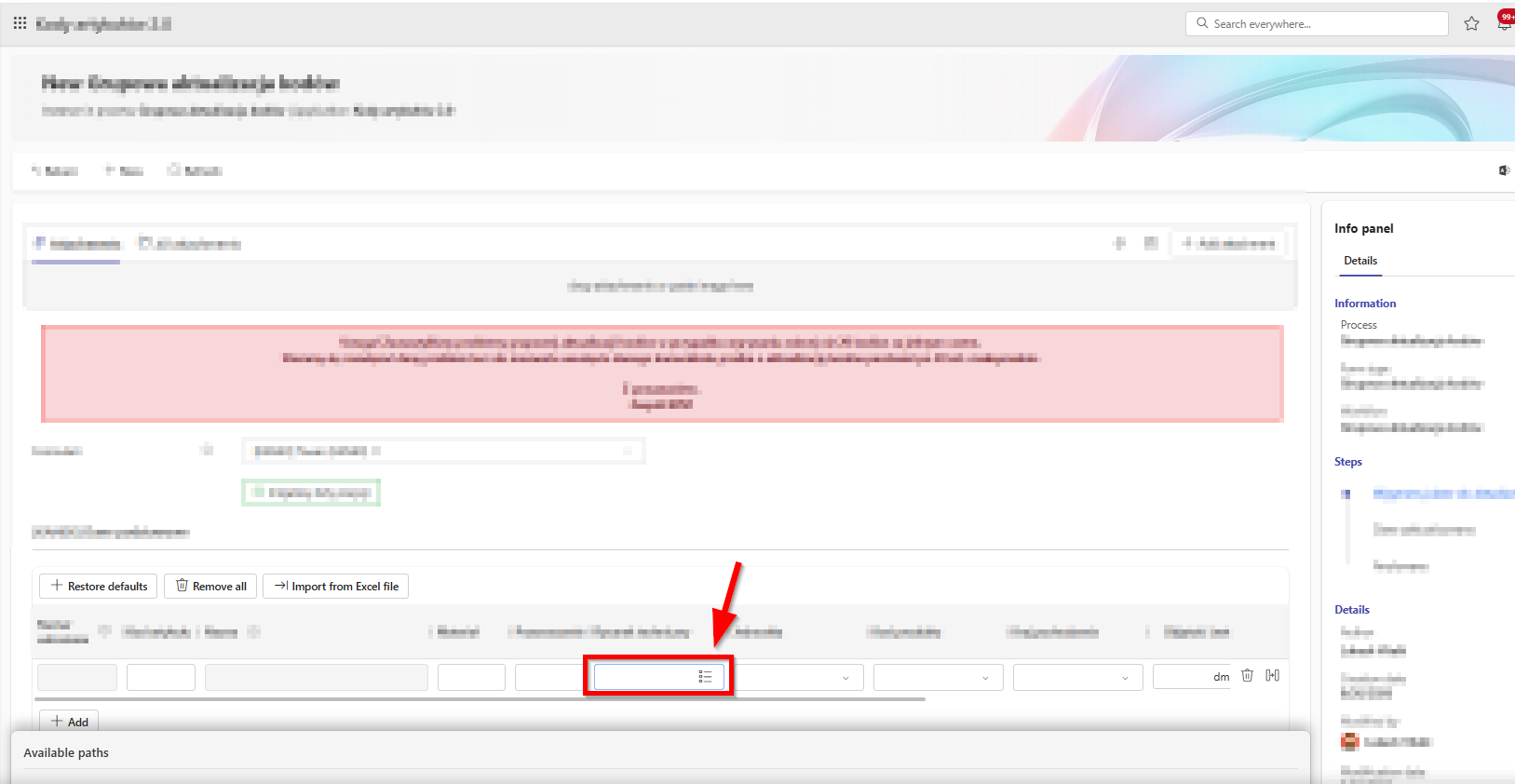
When importing data from an Excel file into an Item List, Choice fields set to Autocomplete mode with the option "Allow values outside of data source" enabled do not accept values that are missing from the underlying dictionary. As a result, these cells are left empty, or the import fails due to key/value matching errors.
Proposed Import Logic:
When processing the Excel file, the system should handle column values as follows:
- If the value exists in the data source: The system maps it normally to the dictionary record (saving the ID and Display Name).
- If the value does not exist in the data source, but "Allow values outside of data source" is enabled: The system does not abort the import or clear the cell. Instead, it imports the raw text string directly into the row—behaving exactly as if the user had manually typed the value directly into the form field.