In reply to: Martin Meze (Freelancer)
Hi Adam,
Yes, I checked the access privileges. It’s happening with my admin users, which are the same users who created the application. :)
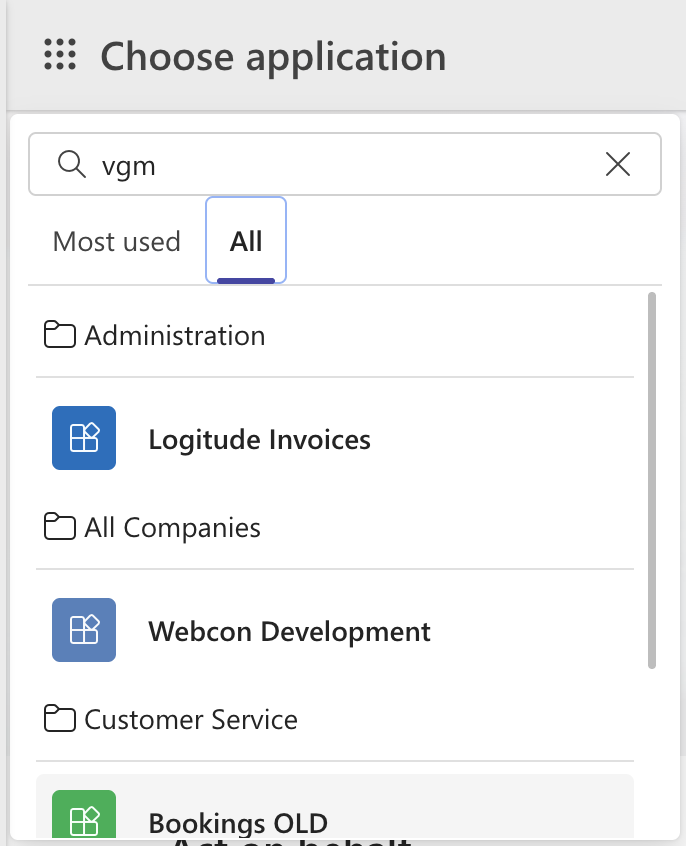
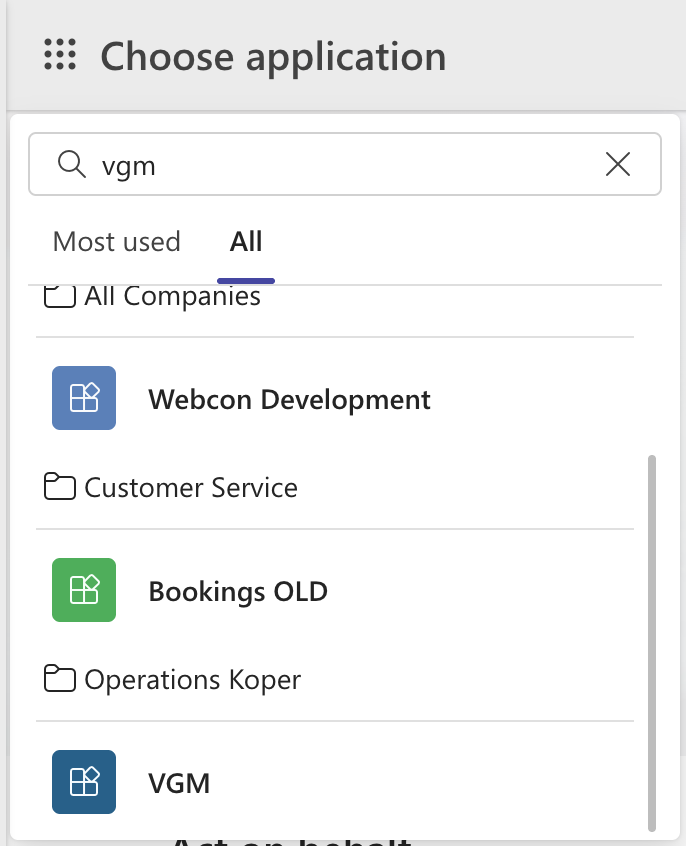
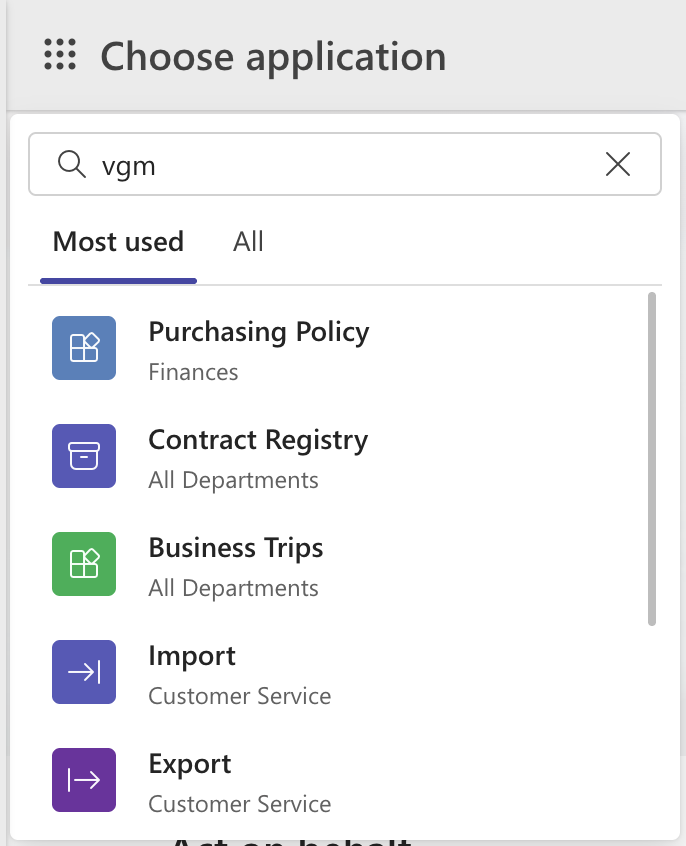
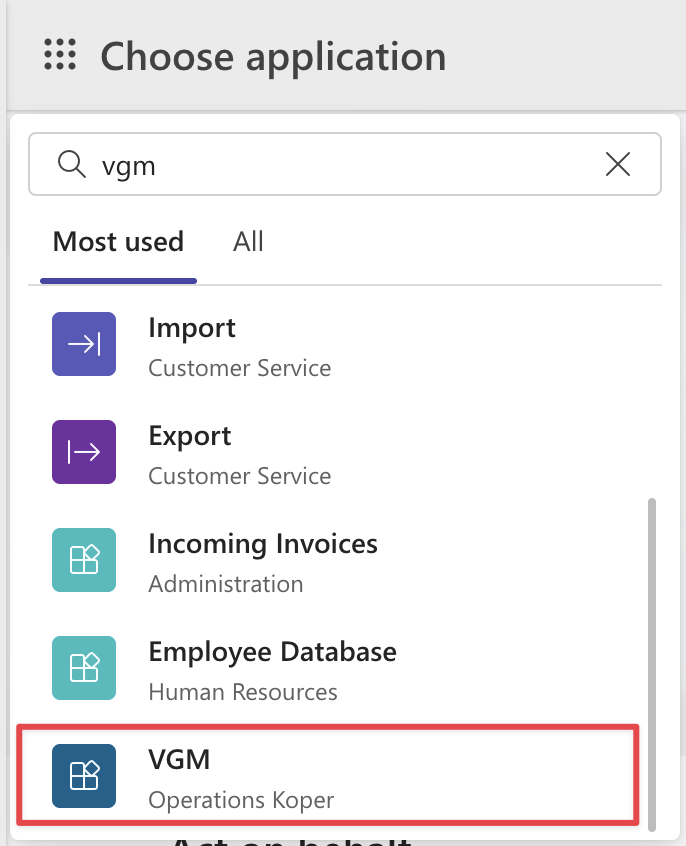
I’ve attached the printscreens. As you can see, when I start typing “VGM,” it switches to “All” and shows the “VGM” application in the last position. I have to scroll down to see it. The above applications have nothing to do with “VGM” and neither does the string “VGM” appear in their names, descriptions, or anywhere else. The same issue occurs when I switch to “Most used,” where “VGM” appears in the last position.
Dear Martin,
I’ve investigated this case further and noticed the same behavior in my own installation.
For example, I have an application called “Wnioski HR.” When I search for “wni,” the results include many applications, and “Wnioski HR” appears near the bottom of the list. However, searching for “wnio” filters the results correctly, returning only “Wnioski HR.”
Additionally, I discovered that the text “wni” appears in various elements of all returned applications - such as application descriptions, workflow tile names or descriptions, and report names.
You can verify this by opening an application page (e.g., “Logitude Invoices”) and using Ctrl + F to search for “vgm.” This is how I identified why other applications are included in the “Choose application” search results.
Based on this, it seems the search query is not limited to the application name but also considers other metadata.
Hopefully, this helps explain why the behavior occurs and gives you some ideas for further investigation.


 30.10.2025
 08:06
08:06