In reply to: Daniel Krüger (DCCS)
Hi Androsh,
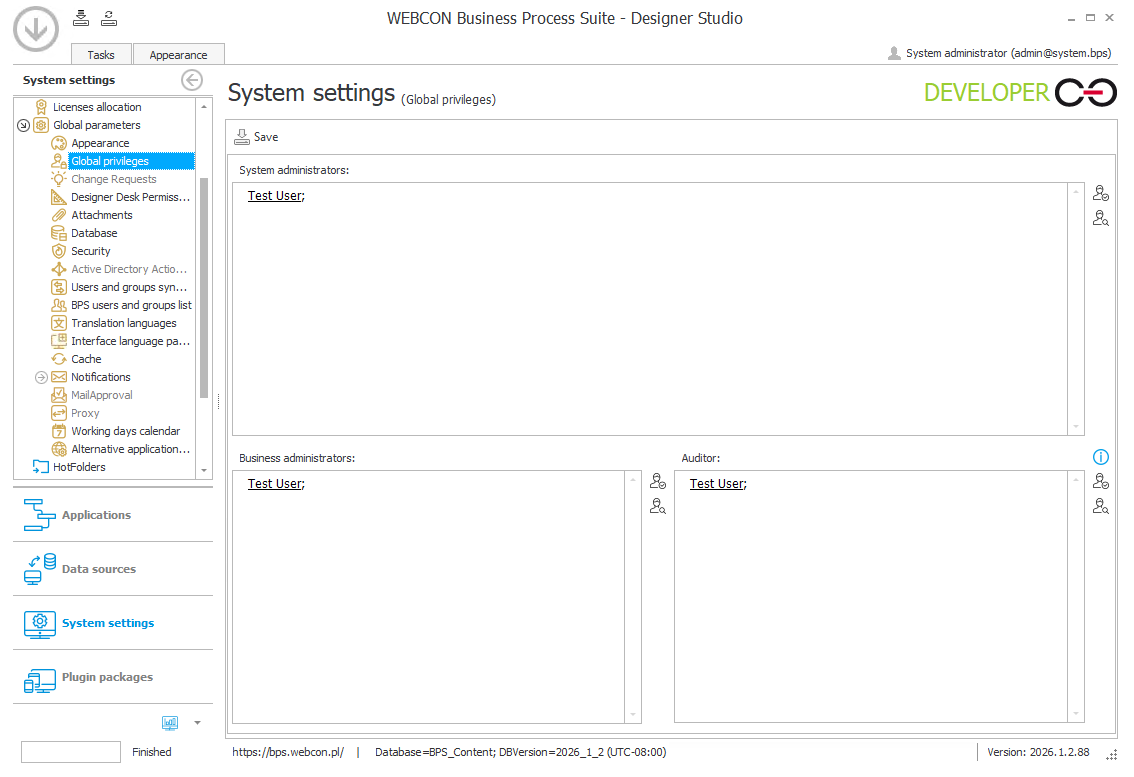
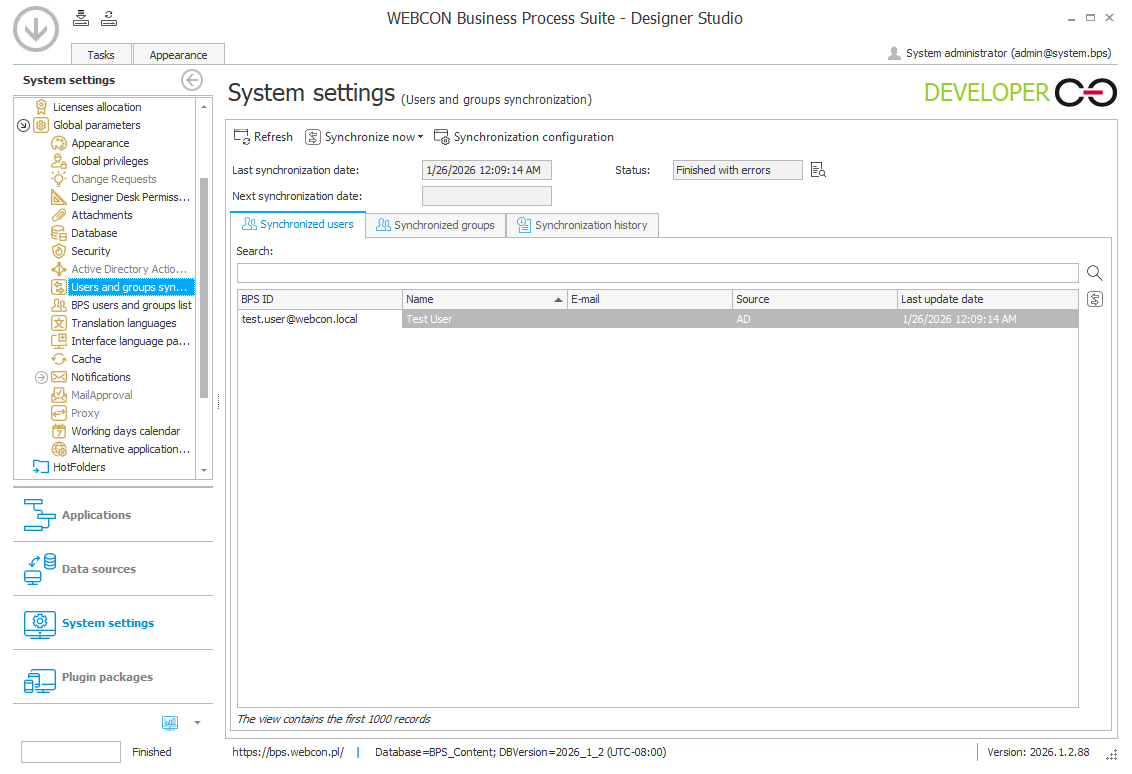
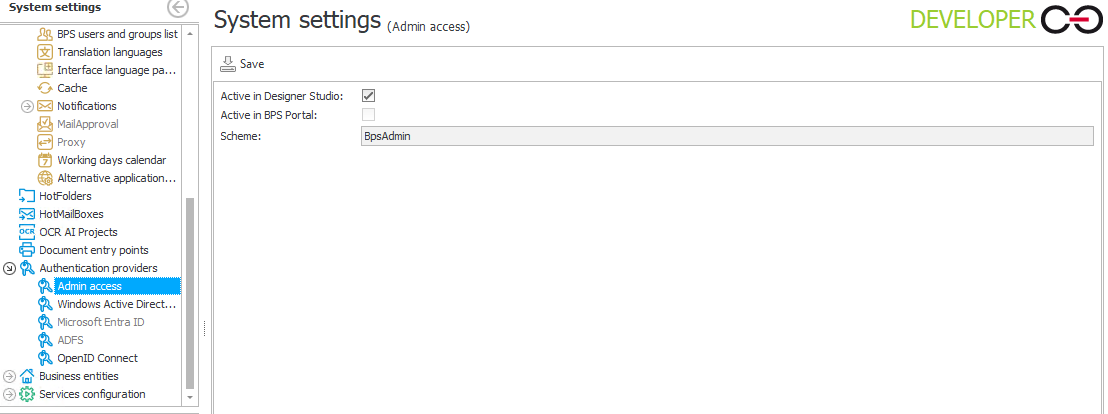
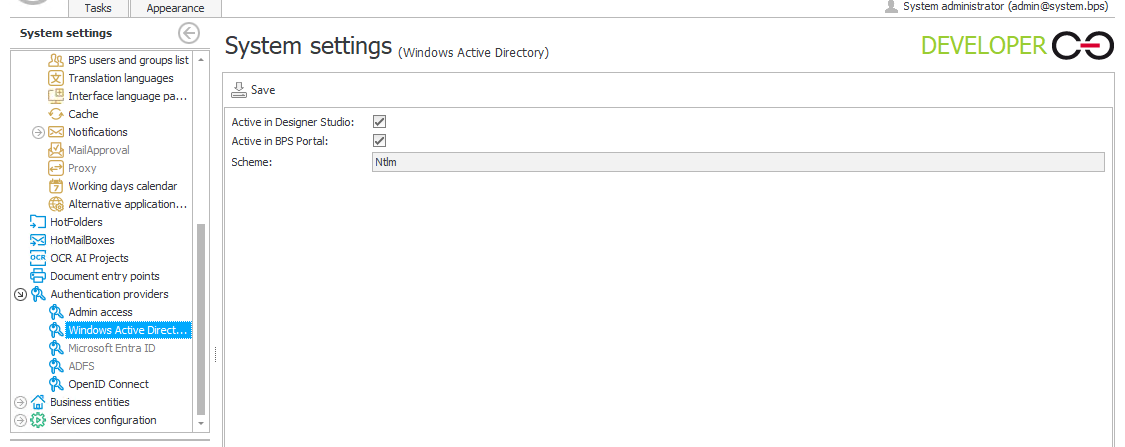
the setup looks good. What comes to my mind is:
- Did you do an IIS Reset / Recycle the application pool after enabling AD Authentication?
- Did you disable the loopbackcheck / configured the allowed back connection hostnames? This could be another problem, when you are able to select AD and want to connect to the server. Without this settings, you would be able to connect and sign in from another PC but not the one where the BPS Portal is running.
https://learn.microsoft.com/en-us/troubleshoot/windows-server/networking/accessing-server-locally-with-fqdn-cname-alias-denied
If this doesn't work feel free to contact me via Linkedin or ama@daniels-notes.de
Best regards,
Daniel
Hi Daniel,
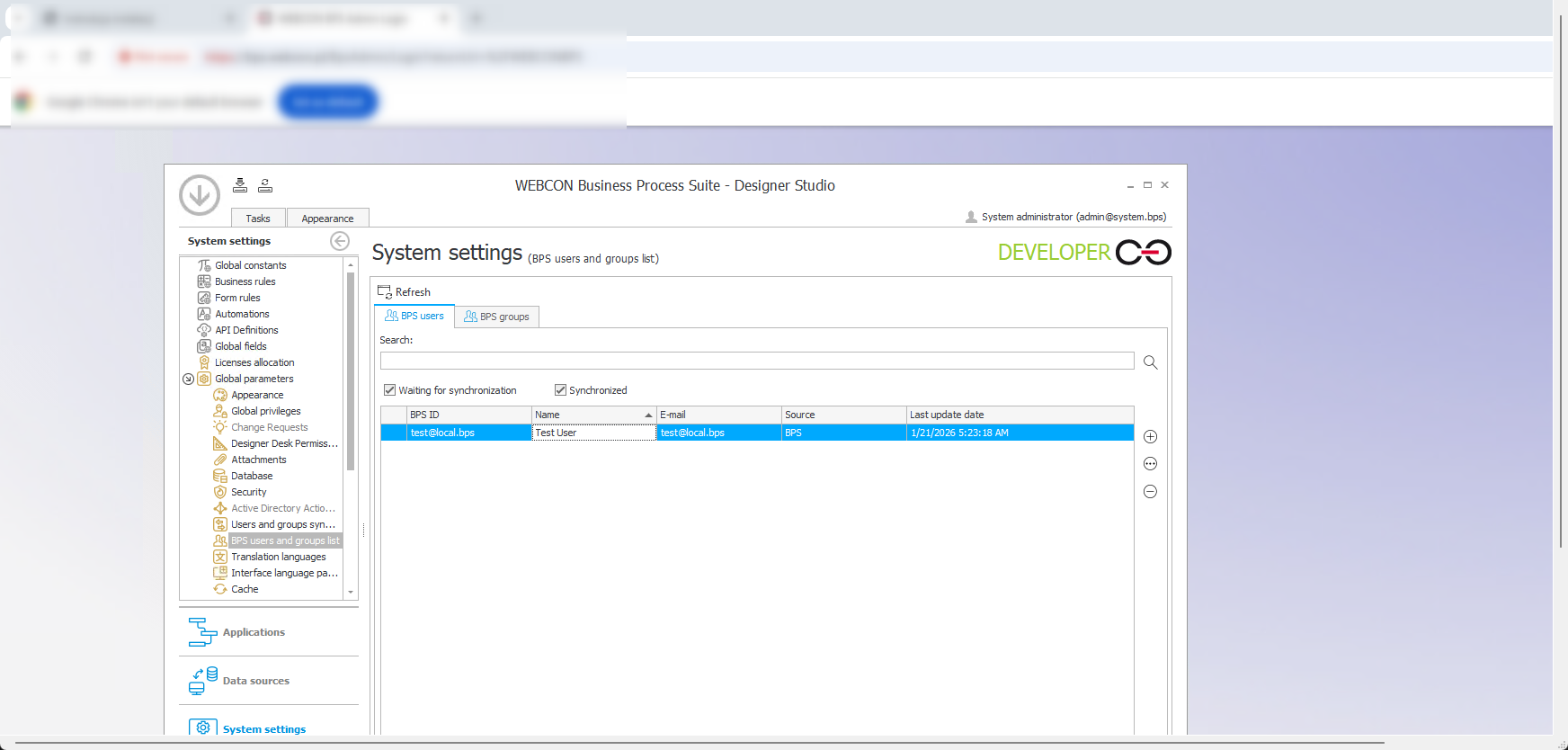
Thank you, your last answer was very helpful and I now can login using my Test User, after this microsoft problem solving with "loopbackcheck", now I face two new problems :) .
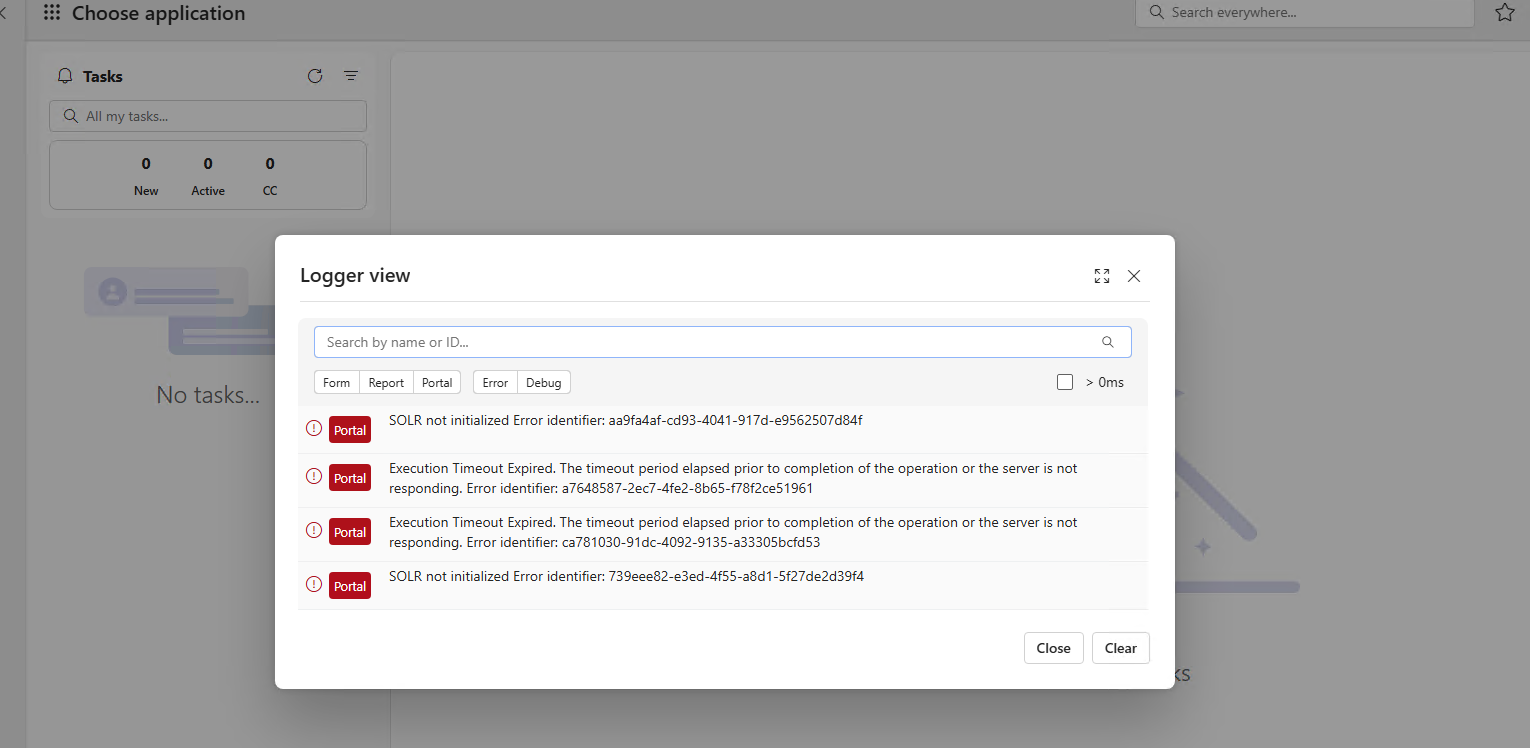
First, I don't know if it is important for testing this solr errors(image 1 in attachments).
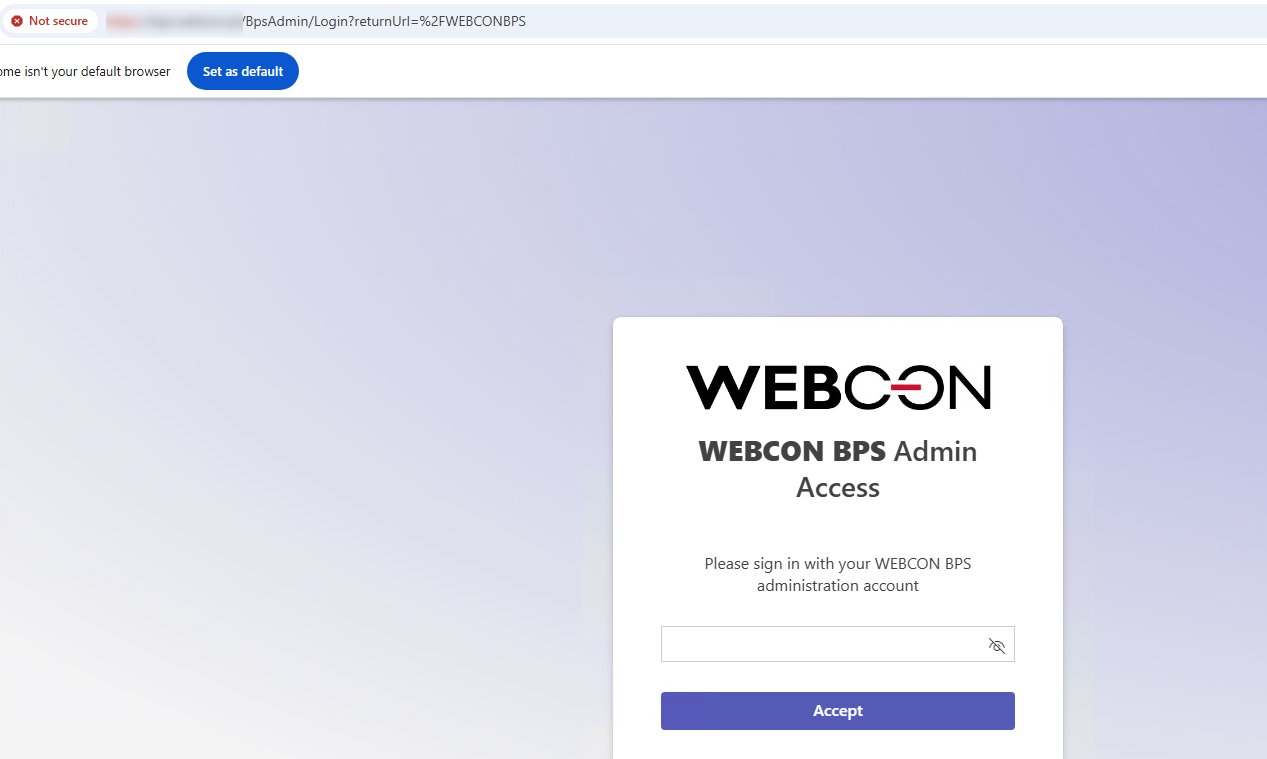
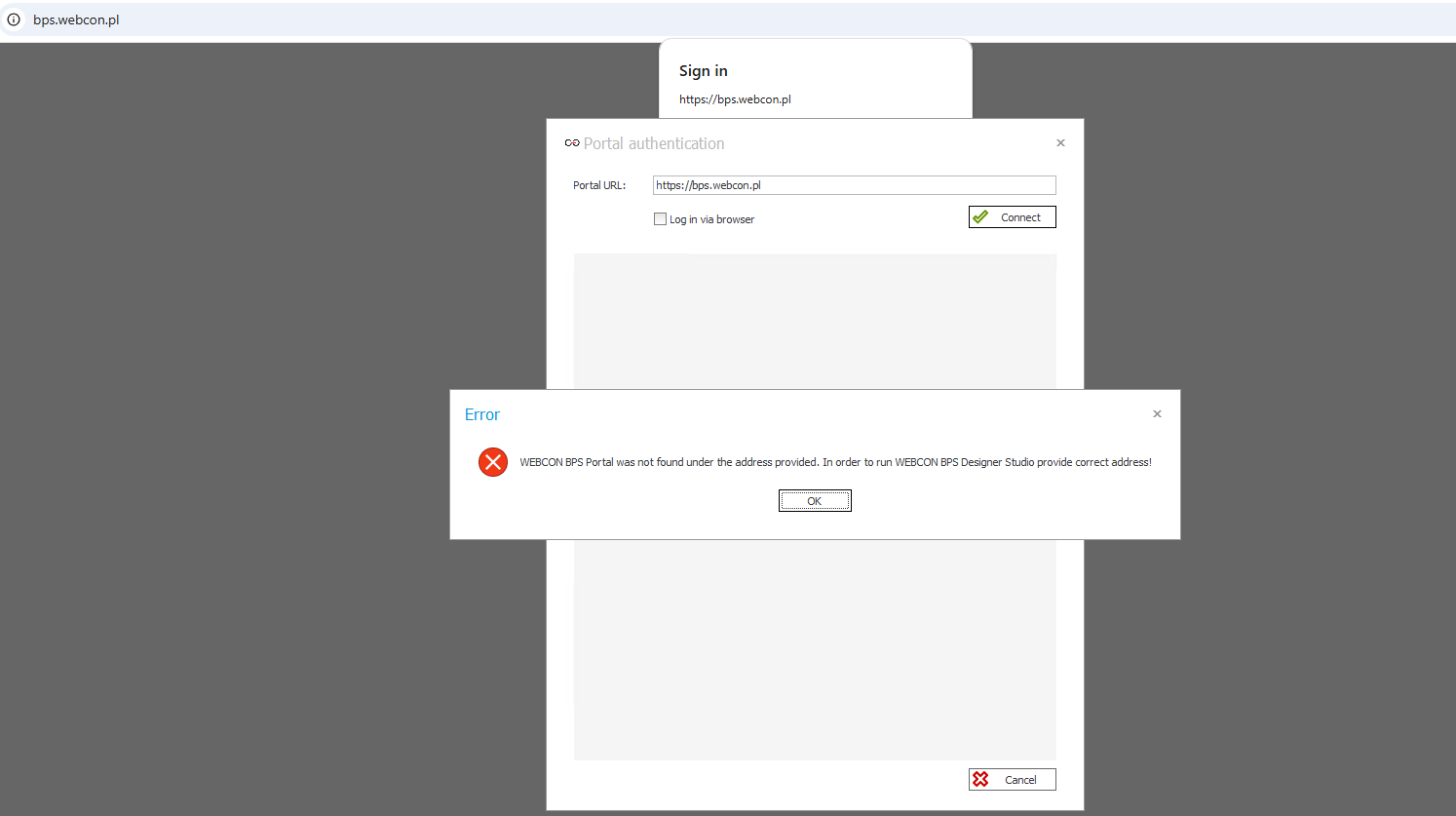
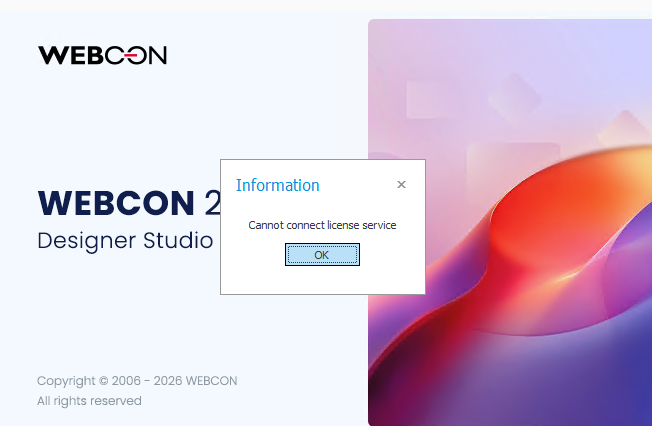
Secondly, I get this license problem when I try to login using bps designer studion App not browser( browser logins fine but shows this SOLR errors), my question is how I activate 90 days demo access? Or what should I do to open my Test User in BPS Designer Studio App and create my first Tasks etc( image 2).
Thank you very much,
Best regards,


 21.01.2026
 15:24
15:24