Home > Forum > Data sources > Selecting addresses by SQL

Selecting addresses by SQL
0

Hello,

Can anyone help me with this SQL filter.

The problem is that the SQL filter returns all rows, instead of filtering only those that meet the warehouse condition.
No matter how I change it, it returns all records from the data source
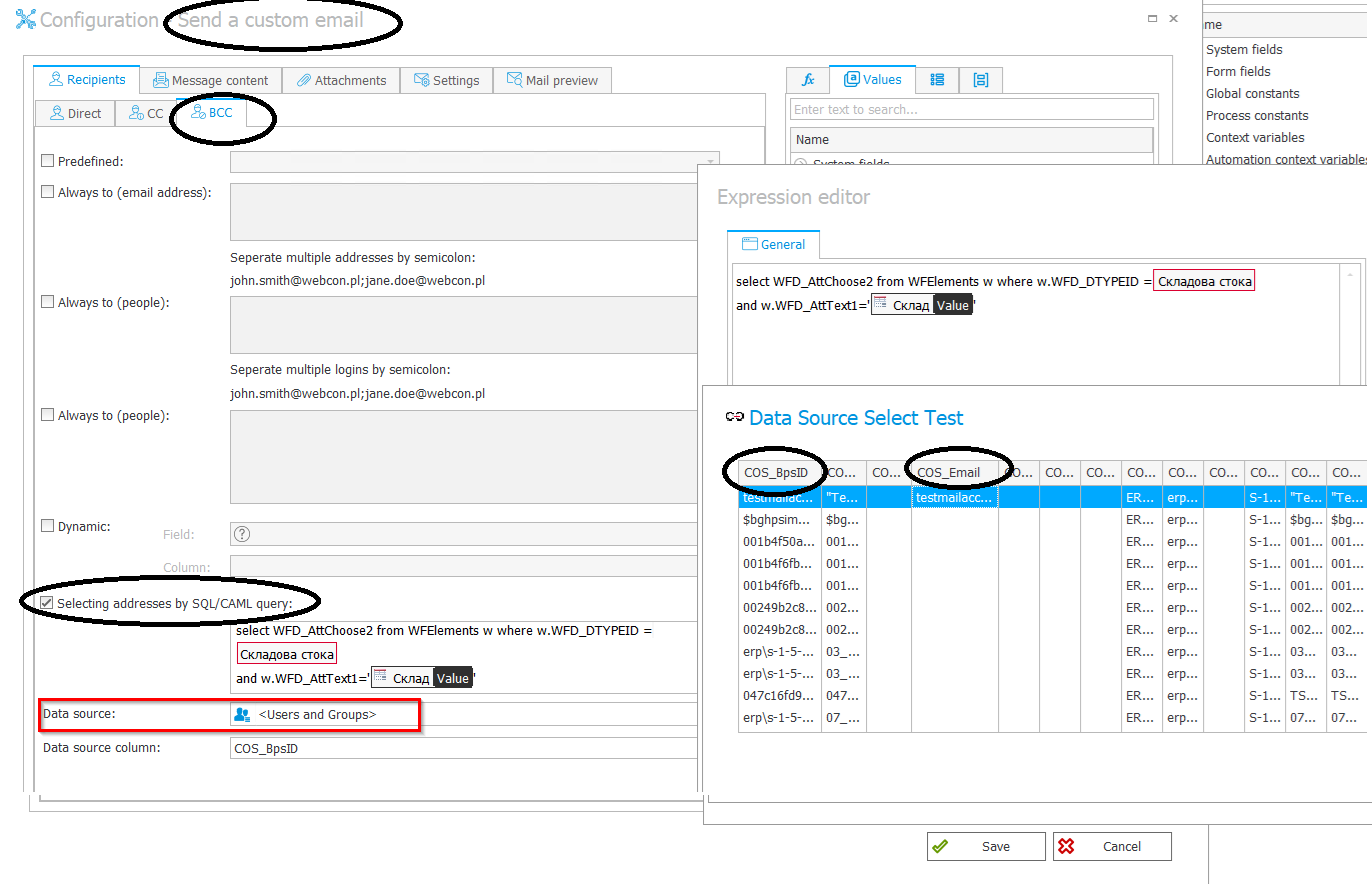
I am attaching a screenshot of the configuration:

- WFD_AttChoose2 is a field of type Person in the "warehouse" dictionary
In the advance configuration, the field ID = Cos_BpsID
-WFD_DTYPEID = 3 (form type of the warehouse dictionary)
-WFD_AttText1= ''{196}' , which is a text field named "Warehouse"

The goal is for this action to load the corresponding e-mail for this user found in the BPS users list

Thanks in advance!
MVP
In reply to: Radostina Mihaylova

Thanks, I also tried with Default data source.
Again all records are returned

Hi Radostina,

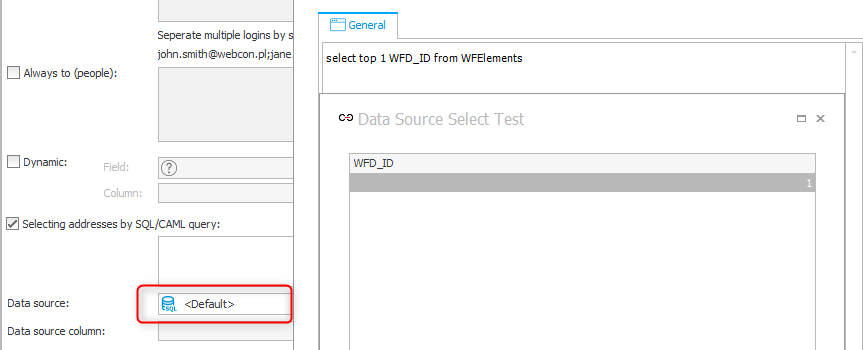
I tested it in a 2025 version and it works just fine if the default data source is used. In this case the Test only shows the expected columns.

If the Users and groups data source is used, the SQL is ignored, at least when testing. I haven't tested it in a real scenario.

I agree with Jacek, you should be fine when switching to the default data source. Maybe you can post a screenshot when changing the data source and tell us your WEBCON BPS version.

Best regards,
Daniel

MVP
In reply to: Radostina Mihaylova

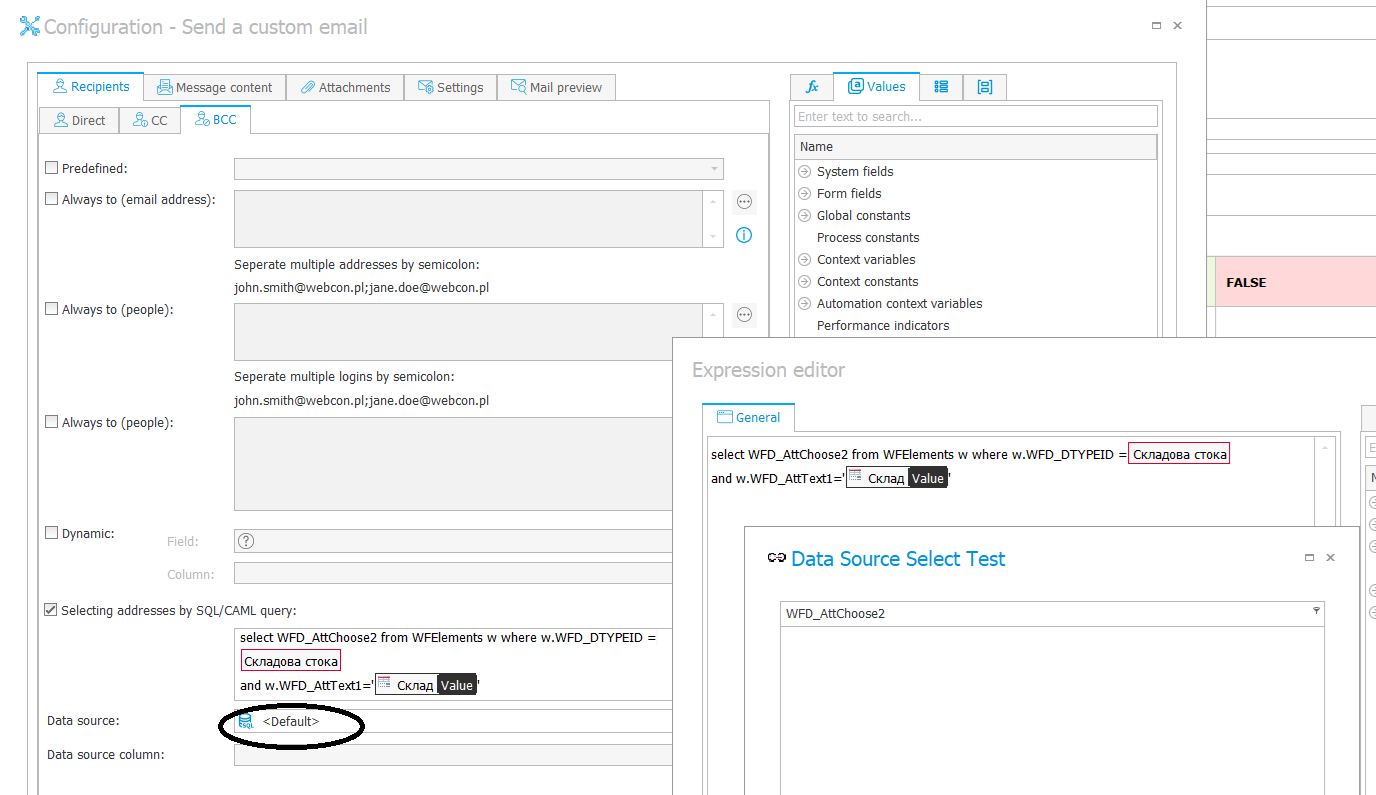
I am attaching a screenshot.
Data source is default. Now it doesn't return any results..
it looks like my filter is not working..

But now you can see that the query is targeting the correct database because you have the correct WFD_Attchoose2 column in the result :-)
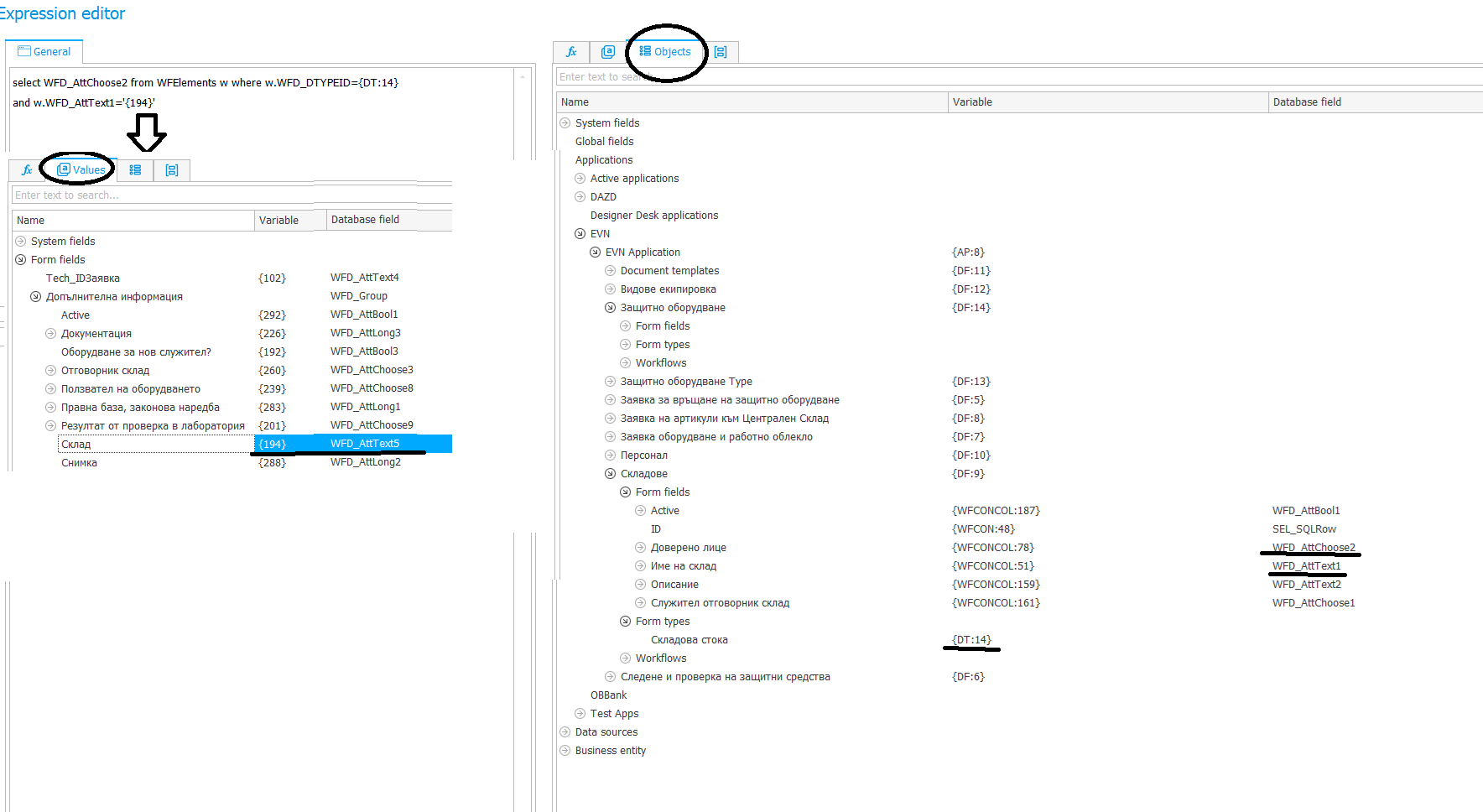
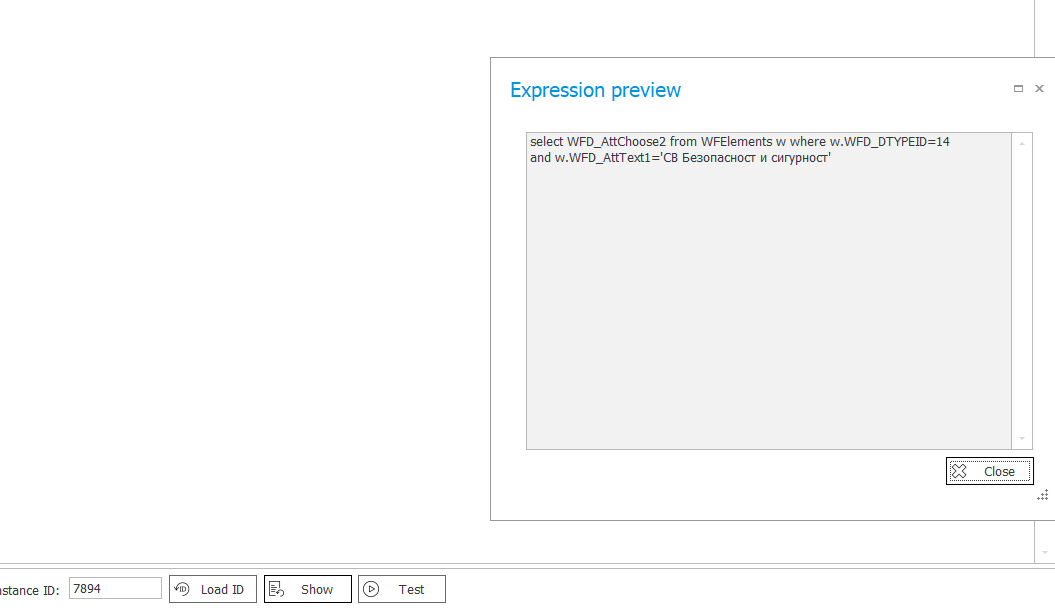
You need to check if you're actually looking for the correct data in the WFD_AttText1 field (for example, if there are any spaces).
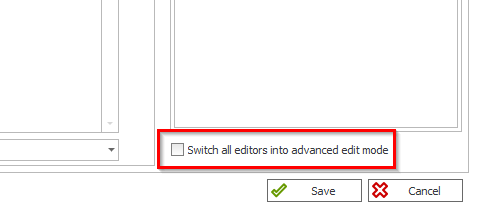
Could you screenshot this query in "Advanced mode?"

MVP
In reply to: Jacek Wojnar

But now you can see that the query is targeting the correct database because you have the correct WFD_Attchoose2 column in the result :-)
You need to check if you're actually looking for the correct data in the WFD_AttText1 field (for example, if there are any spaces).
Could you screenshot this query in "Advanced mode?"

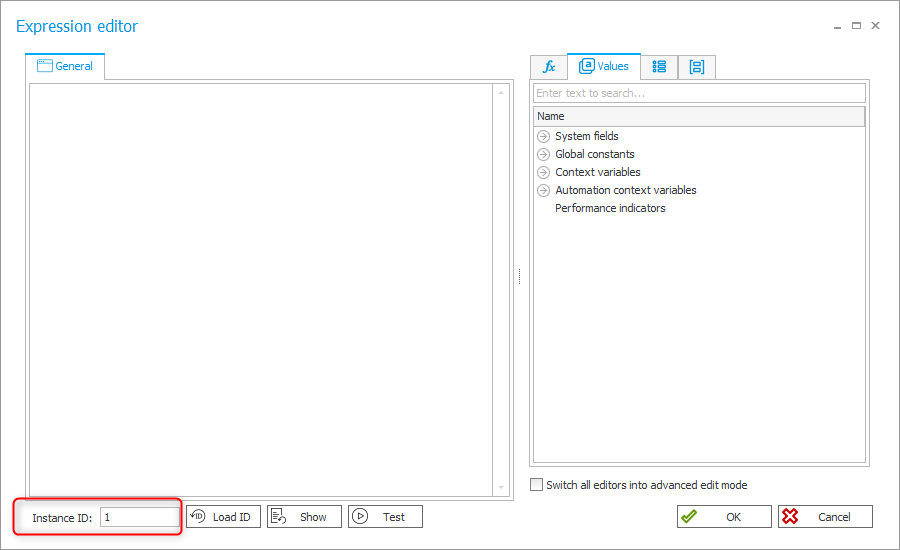
I have one additional comment. If you are executing the test, please ensure that you selected the correct instance id, which actually has a value in the form field. WEBCON loads the last existing instance id for the current process, this can be the correct one, but it's something you should check.
The easiest check is, to click on "Show".

Best regards,
Daniel

MVP

Hi,

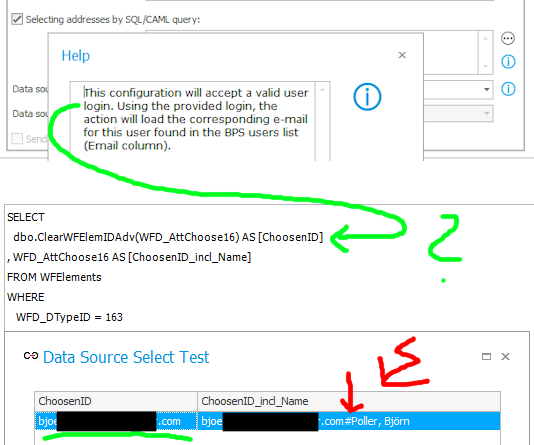
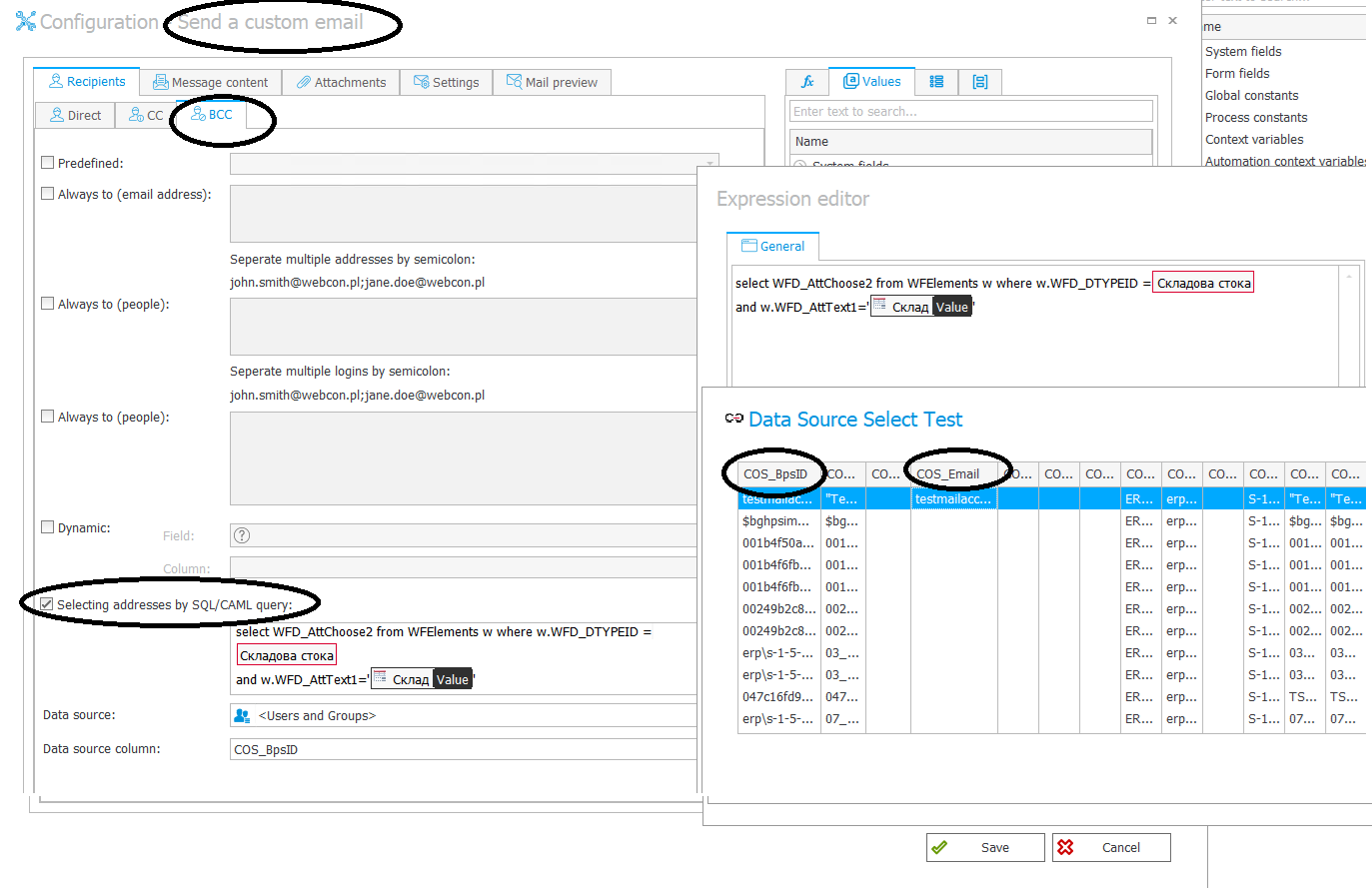
I’m not 100% sure, but shouldn’t the SQL return only the ID part (which matches COS_BpsID in your case)?

That’s how I read the help text. If that’s correct, you’ll need to modify the SQL to return only the ID - similar to what’s shown in the screenshot.

I can’t test your specific case right now, but it’s worth trying.

Best,
Bjoern

P.S.: My ID is already an email adress - but try only the ID part in your case.

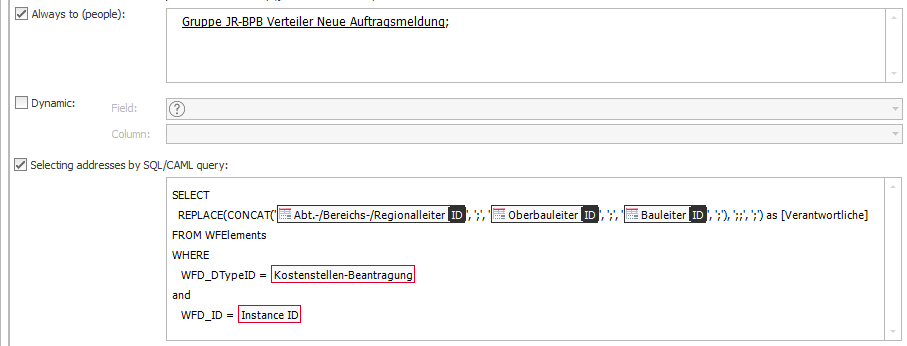
P.P.S.: I have added the picture "Real_Use_Case.png" - Just today I needed a SQL for my project (here again: ID=email / Name=surname, first name)