Home > Forum > Rules, JS, SQL > Cannot change the Background Color of itemlist

Cannot change the Background Color of itemlist
0

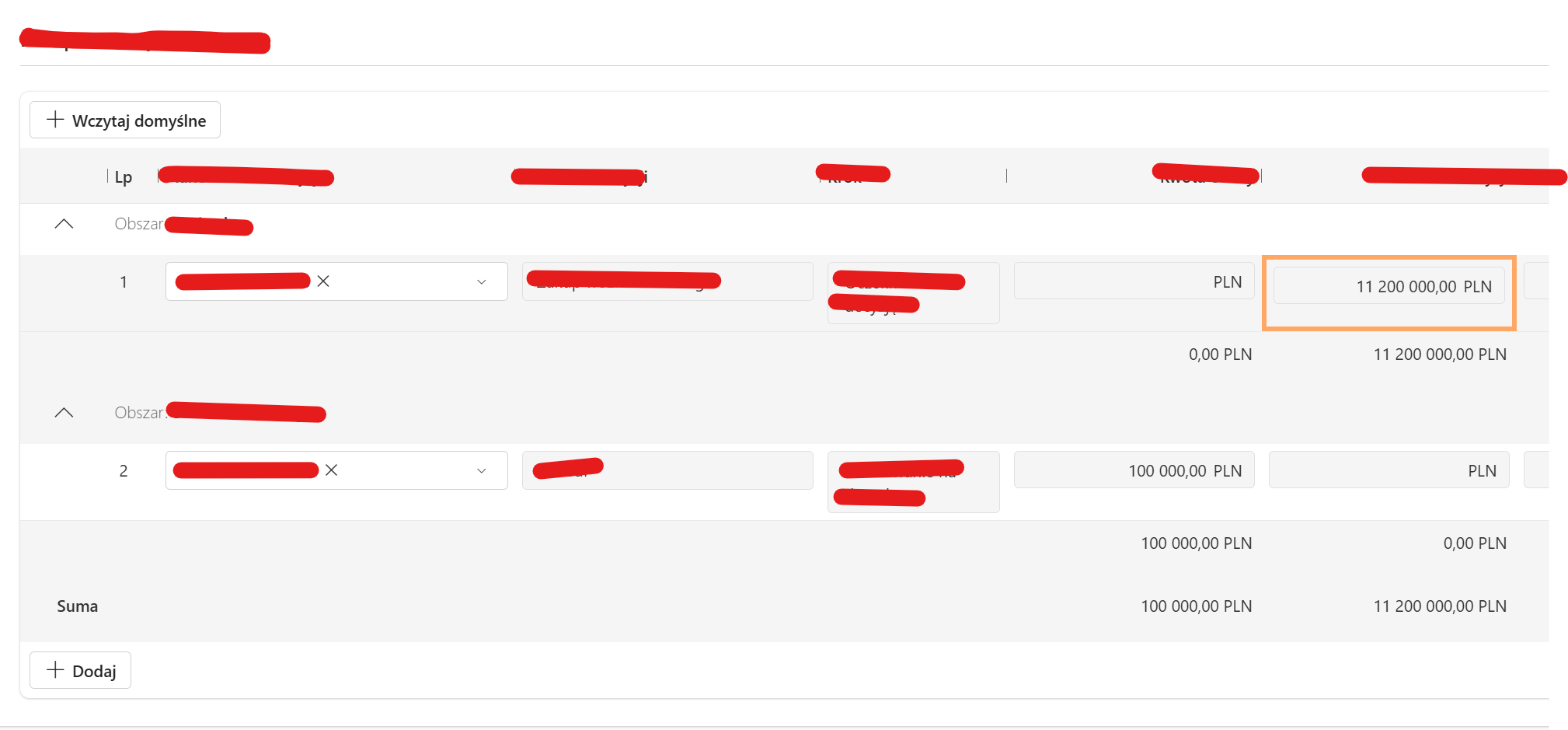
Created form rule that is triggered on Change by a float field.
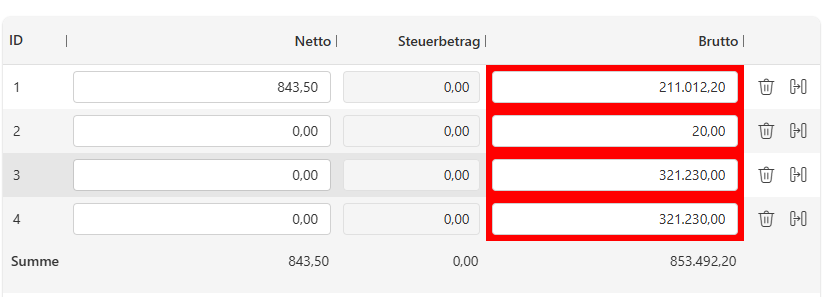
It checks if the sum of a certain column in an itemlist exceeds the value in the field, if so the colum should turn red.


The problem is if the form rule is triggered it chan only change the color once.
If we change the value again the color persists (i tested the statment with an alert if it follows the right branch)

Does someone know what causes this issue?
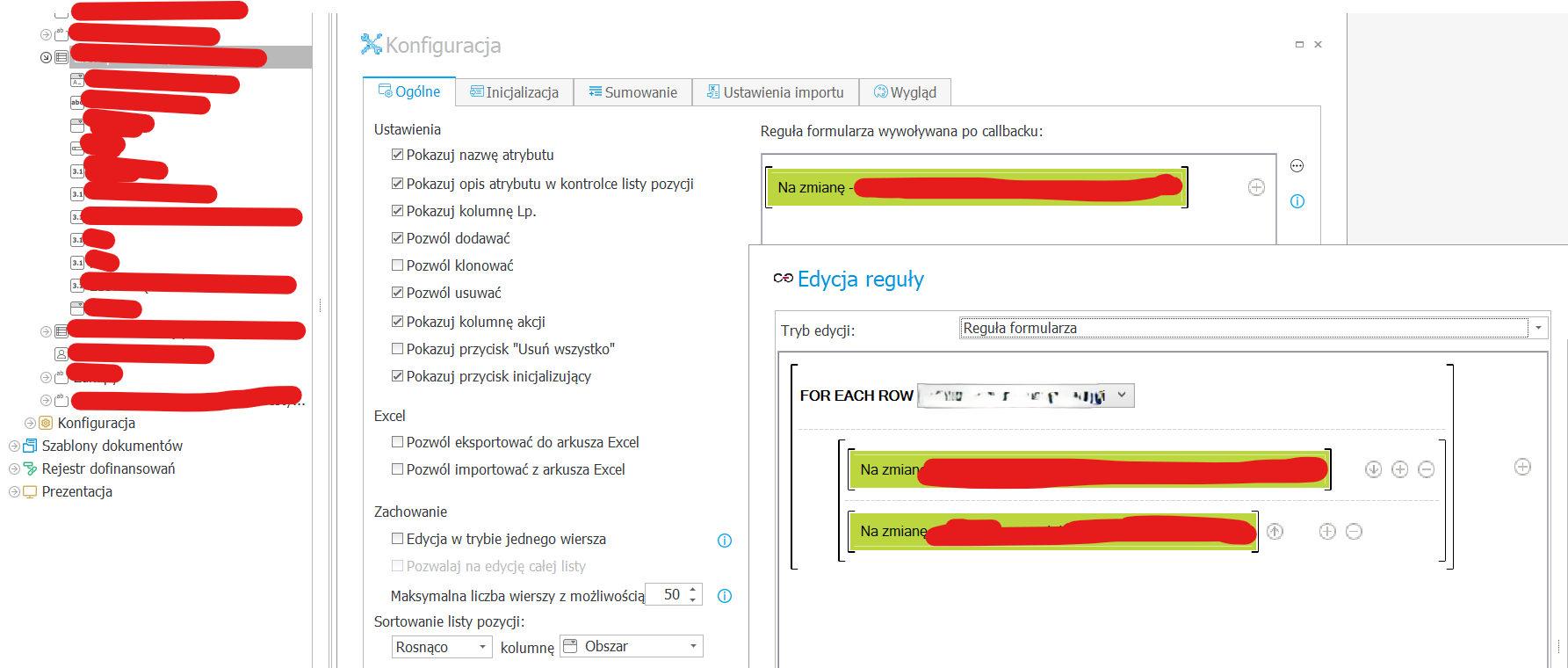
Try moving the logic from the field's 'On Change' event directly to the Item List configuration.

Instead of triggering the rule directly on the column, use the 'For each row' operator within the Item List rules. You should place your IF statement (the one responsible for setting the cell background) inside that loop.

This ensures that every time the rule is triggered, it iterates through all rows and reapplies the correct formatting based on the current sum, which should solve the issue of the color 'sticking' or not updating. You can see the intended structure in the screenshots I've attached.

I had the same problem last time but with colouring the whole row. The solution is tricky 😃
1. to colour the row you have to choose advance settings in item list column and choose colouring
2. set colouring in row options. (there are no information how colouring works)

At first I thought that colouring works only while refreshing website. But no. If there is any form attribute field formula connected with item list column it refreshes.
eg. make formula for editing column in item list: if ATTRIBUTE OUTSIDE ITEM LIST changes then true else false -> any change of attribute refreshes item list and colouring starts.

But what if you want to make colouring when changing item list value not form attribute?

I made technical field. Any change of attribute in item list column makes business rule -> sql -> set technical field with random value (eg from 1 to 100). It means that every change in item list changes value in tech field. And tricky part - make technical column in item list which has rule of editing eg connected with this technical field changed each time.
Now every time You change value in item list -> it changes technical field -> technical field refreshes item list column -> colouring starts...

I don't know why there is no rule like set item row colour - it would be 100 times faster...

I know that I described not at all Your problem but this week I hade this problem and it looks familiar for me :)