Home > Forum > Rules, JS, SQL > WEBCON BPS SDK Tools

WEBCON BPS SDK Tools
0

Hi all,

I was following the instructions for Form field extensions:
https://developer.webcon.com/docs/your-first-form-field-extension-js

I got stuck at the first build step in WEBCON BPS SDK Tools, specifically here:

"In order to build your Form Field Extension JS you have to select it in the appropriate dropdown in the tool and click the build button. It results in creating the BPSPKG file which contains all necessary files for the control. Please keep in mind that the first time you build the modern form field will take a little bit longer, due to downloading all the npm dependencies the extension needs."

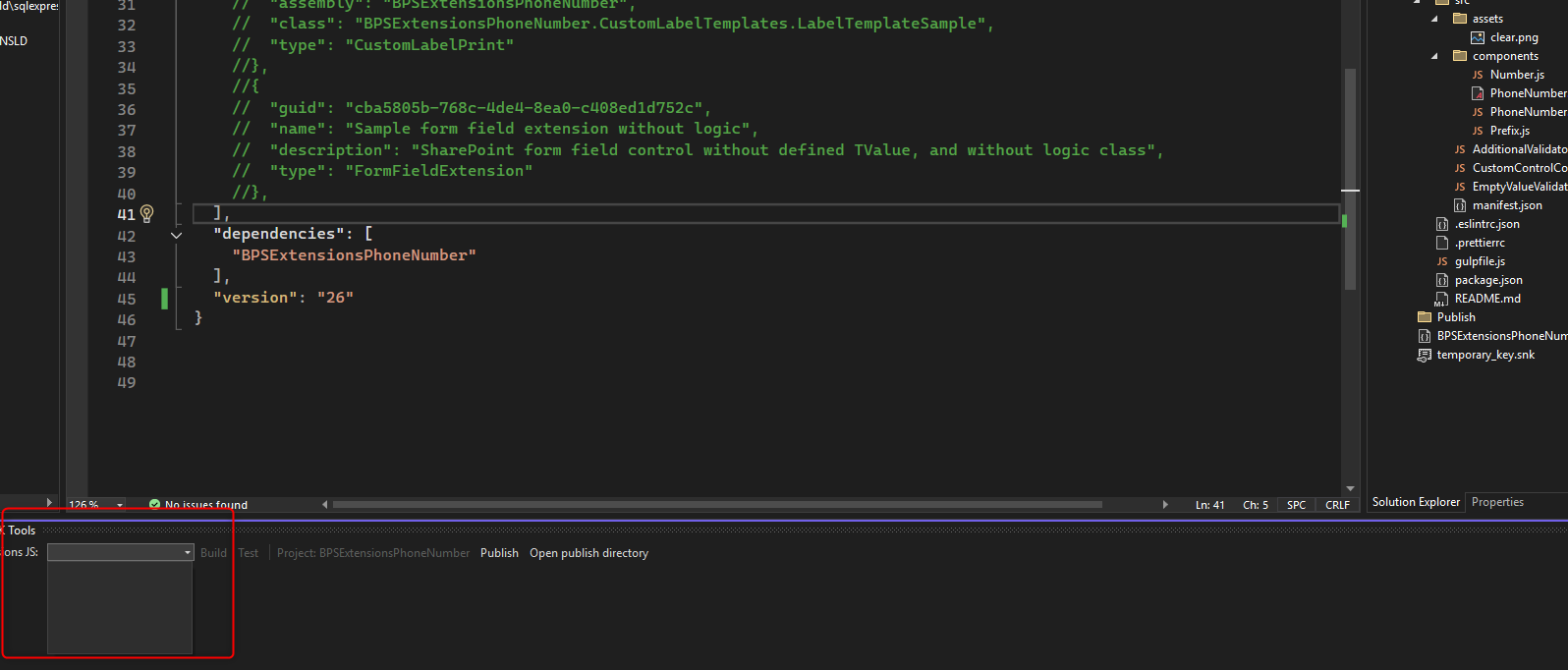
In my case, the build process does not complete successfully and the BPSPKG file is not generated. By the way my dropdown in WEBCON BPS SDK Tools Chat I dont have anything(image 1 )

Could you please advise what prerequisites or configuration should be checked (Node.js version, npm, paths, permissions, etc.) or what could cause this issue?

Best regards,

Androsh
WEBCON

Hi Androsh

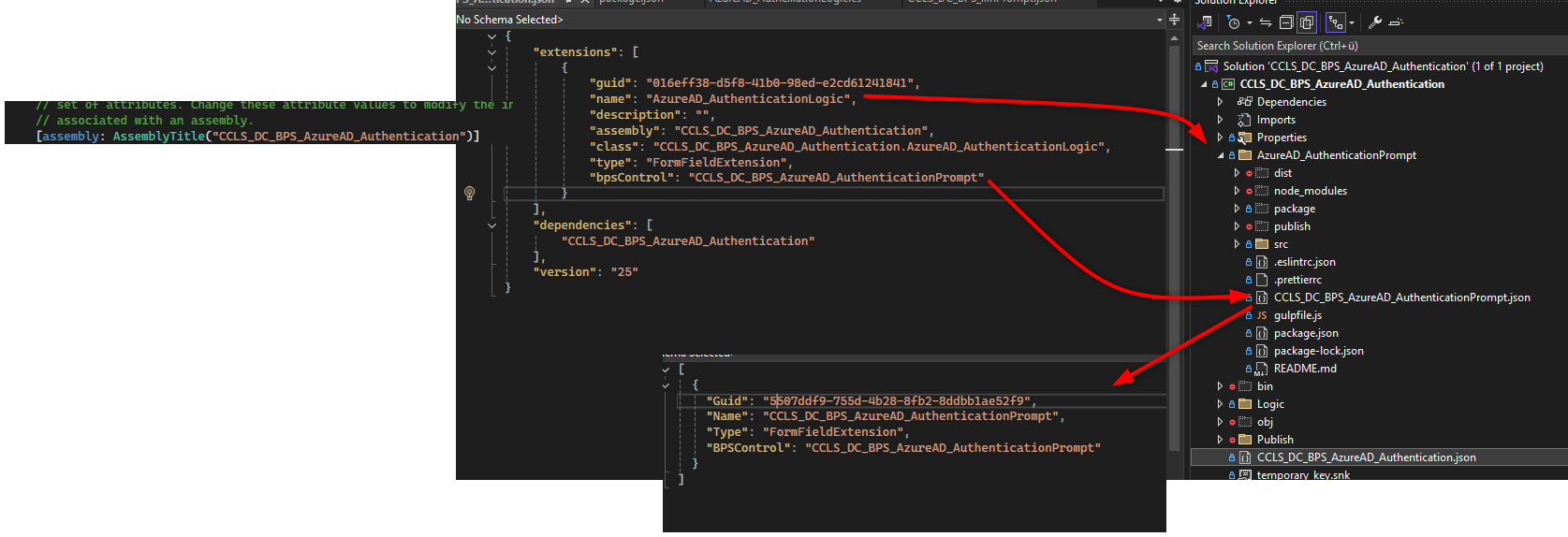
Controls visible in the dropdown field must be specified in the JSON file with the package manifest: https://developer.webcon.com/docs/package-manifest

Sample manifest content:

{
"extensions": [
{
"guid": "c5b1264f-5c87-4f1d-80d7-0040dad6ba88",
"name": "FormFieldExtensionJS1",
"description": "",
"type": "FormFieldExtension",
"bpsControl": "FormFieldExtensionJS1"
}
],
"dependencies": [
"BPSExtensionsPhoneNumber"
],
"version": "26"
}

Best regards,

Tomek

MVP

Hi Adndrosh, hi Tomasz

you mentioned something what I actively forgot about the FormFieldExtensions. These are, from my experience, really fragile in terms of packages and the SDK Tools. Especially if you are a partner and working with different WEBCON versions they are a pain. At least this is my opinion. :)


Regarding node, I've installed nvm to change the node version until I find one which works with dependencies and devDependencies in the package.json
"dependencies": {
"classnames": "^2.2.6",
"core-js": "^3.3.2",
"prop-types": "^15.7.2",
"react": "^16.8.6"
},

nvm -v: 1.1.12
node -v: v16.20.2

I also have issues with the SDK Tools, sometimes the controls are displayed and sometimes not. I have given up on them to run the scripts in the package.json manually.
"scripts": {
"build": "npx gulp",
"check": "npx gulp check",
"format": "npx gulp format",
"lint": "npx gulp lint",
"postinstall": "npm run-script build",
"start": "npx js-custom-control-workbench",
"watch": "npx gulp watch",
"publish-sdk": "npx publish-sdk"
},


@Tomasz,
Maybe you have an idea, why the drop down in the SDK Tools is empty in the attached image.

Best regards,
Daniel