27.02.2026
 11:54
11:54
Hello everyone,
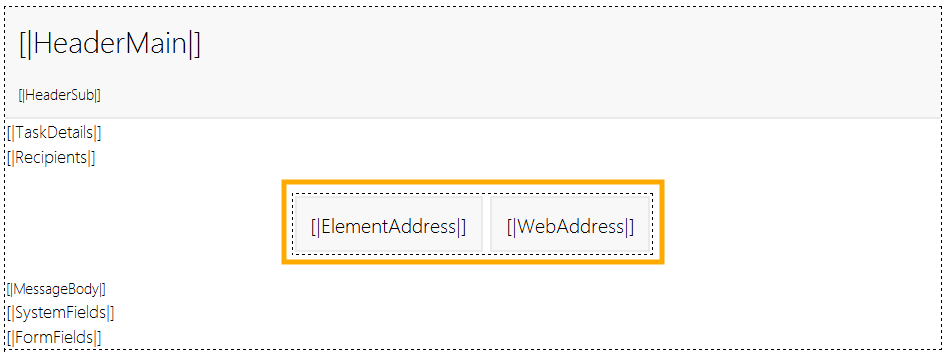
I have a question: is there a smarter way to override the display names of the "Go to element" and "Go to application" buttons in an email template, other than removing the native variable blocks and building the links from scratch with custom display names?