16.12.2025
 10:41
10:41
Hello everyone, I have a question regarding Webcon standard areas and page design.
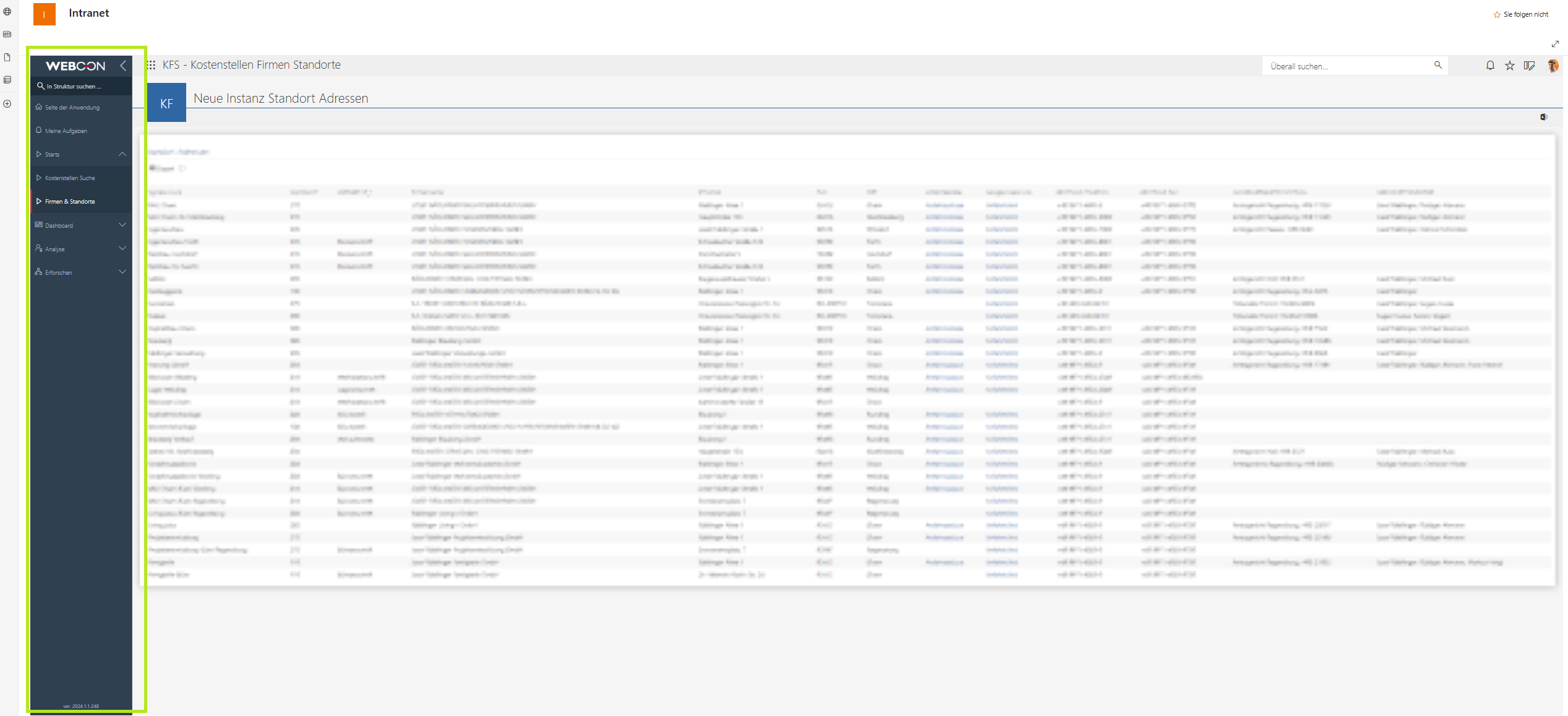
We have a Webcon application that is linked through our SharePoint intranet, and users open the application from there. Regardless of how the application is accessed, the left panel is always displayed by default, as this seems to be standard Webcon behavior. This panel allows users to select a dashboard, view their tasks, and access other options. If my description is unclear, I can attach a screenshot for reference.
Is it possible to configure this panel so that it is collapsed by default for every user, either globally, for a specific application, or under certain conditions? I could imagine that this might be achievable with a JavaScript-based solution, but I am not sure whether this is supported or recommended.
If you are certain that there is no way to achieve this, please let me know so I can stop researching it 😉
Thanks in advance for your help, and happy holidays to everyone!