 15.04.2026
 10:46
10:46
After upgrading our environment to WEBCON BPS 2026, the “Edit file” functionality in document libraries no longer works as expected.
Before the upgrade:
• Clicking “Edit file” on a Word document from the document library opened the file directly in Microsoft Word for editing without issues.
After the upgrade:
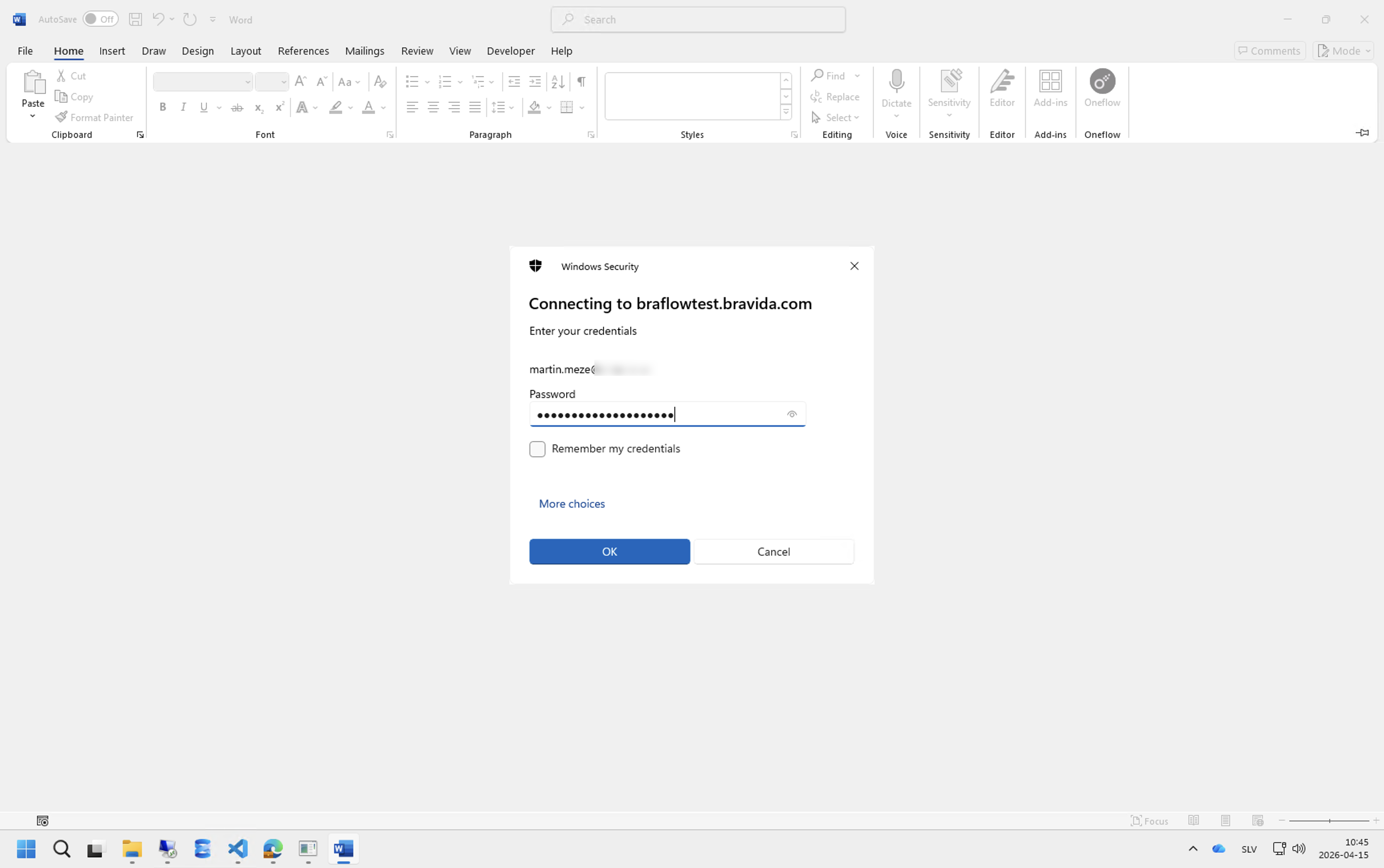
• Clicking “Edit file” opens Microsoft Word.
• Entering the correct credentials does not authenticate successfully.
• Instead, the same login window reappears in a loop.
Additional Information
• Standard file download/open works correctly.
• Only Edit file is affected.
• This behavior started immediately after upgrading to 2026.
• The issue occurs for multiple users.
Question
Has anyone experienced this after upgrading to WEBCON 2026?
Are there any known changes regarding Office integration / WebDAV / authentication in 2026 that could cause this?
Any guidance would be appreciated.